
Ask and verify
Citations
Open original material from a citation to verify PDFs, audio, and other sources.
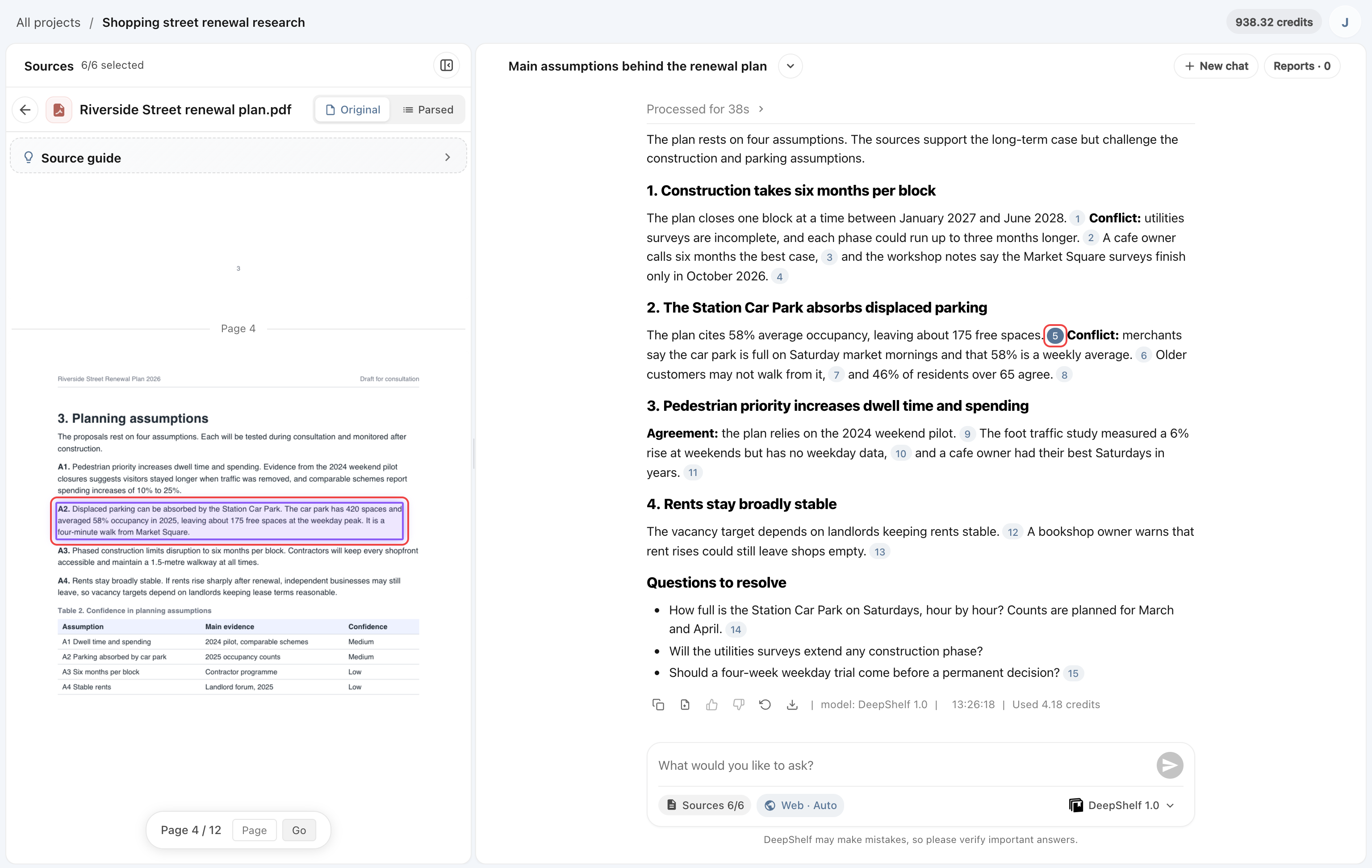
When an answer cites a PDF, citation numbers appear after the relevant sentences. Click one to open the PDF on the left, jump to the page, and highlight the original text.
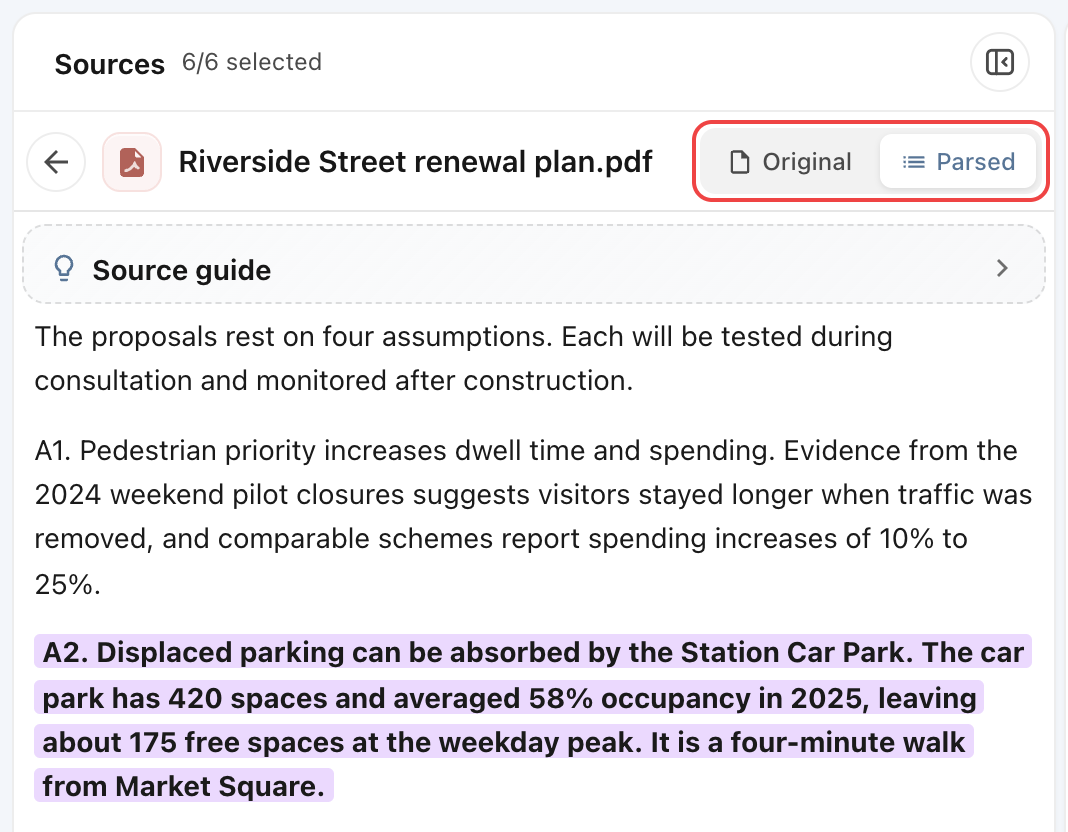
To read the parsed text of a PDF, click Parsed at the top of the preview; click Original to switch back.
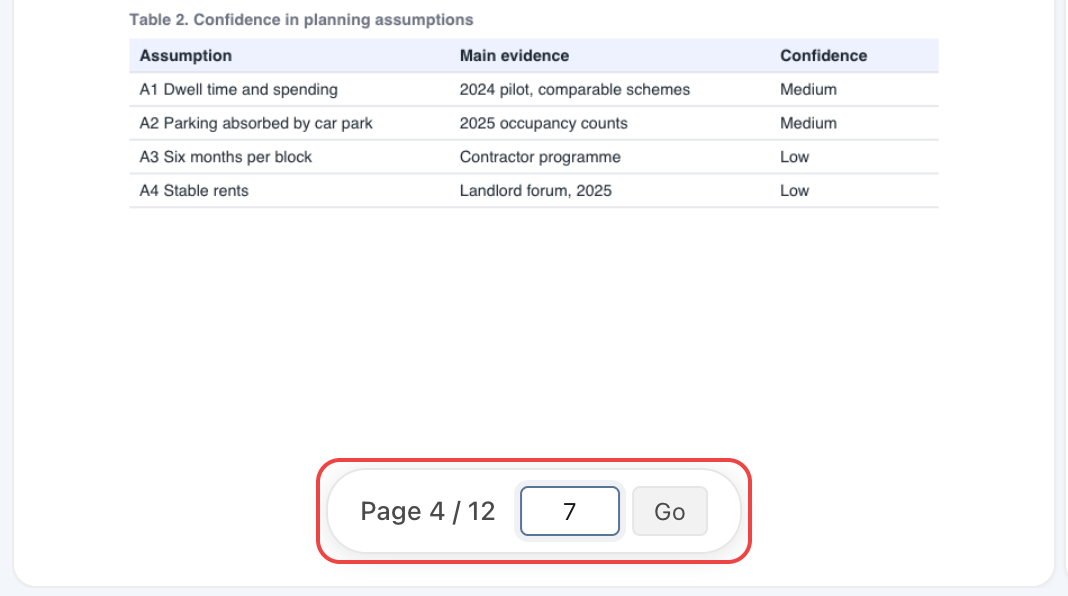
Enter a page number at the bottom of the PDF preview and click Go to open that page.
Audio
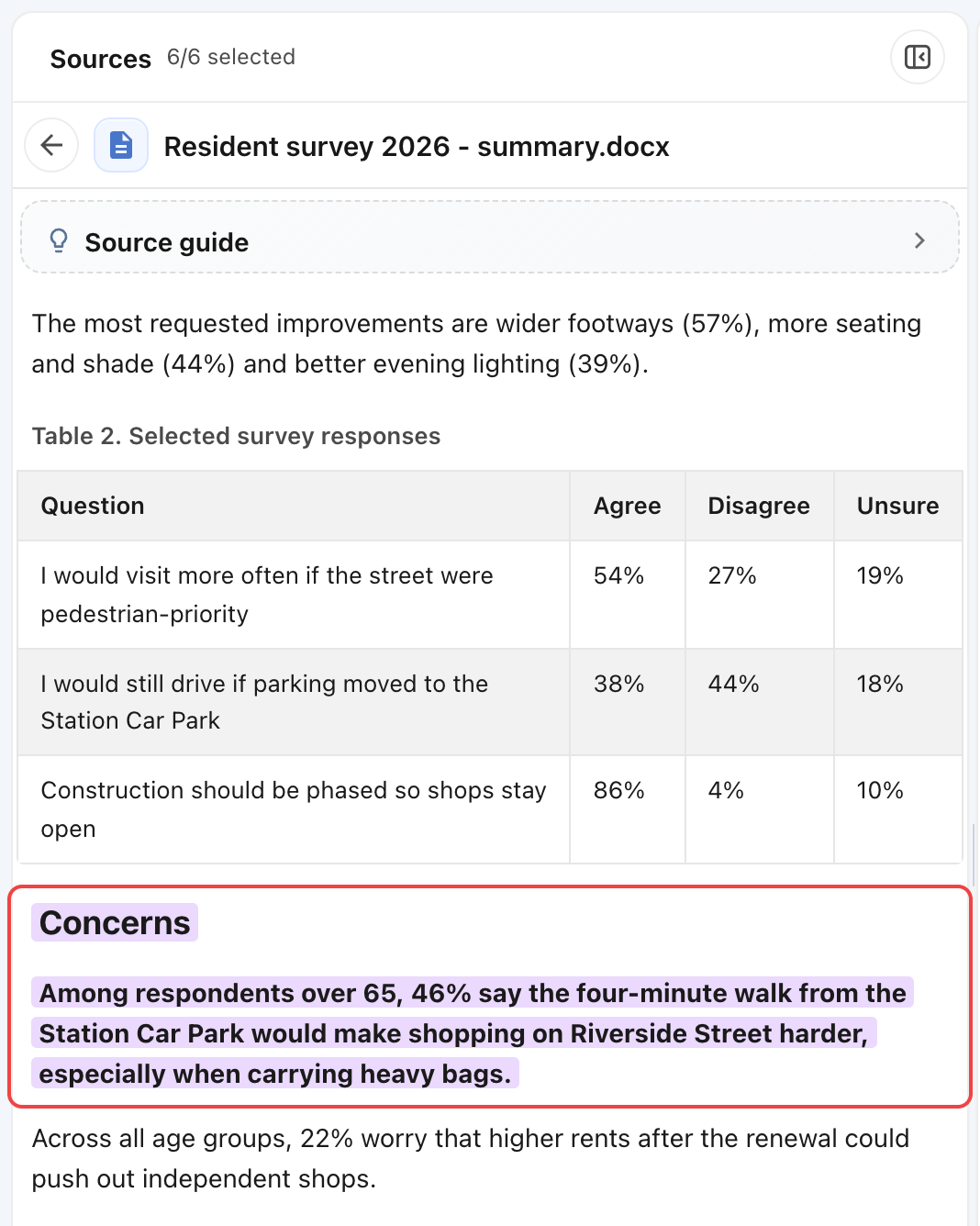
Audio sources support citations too. Click a citation to open the transcript on the left with the cited sentences highlighted and the player set to the matching time.
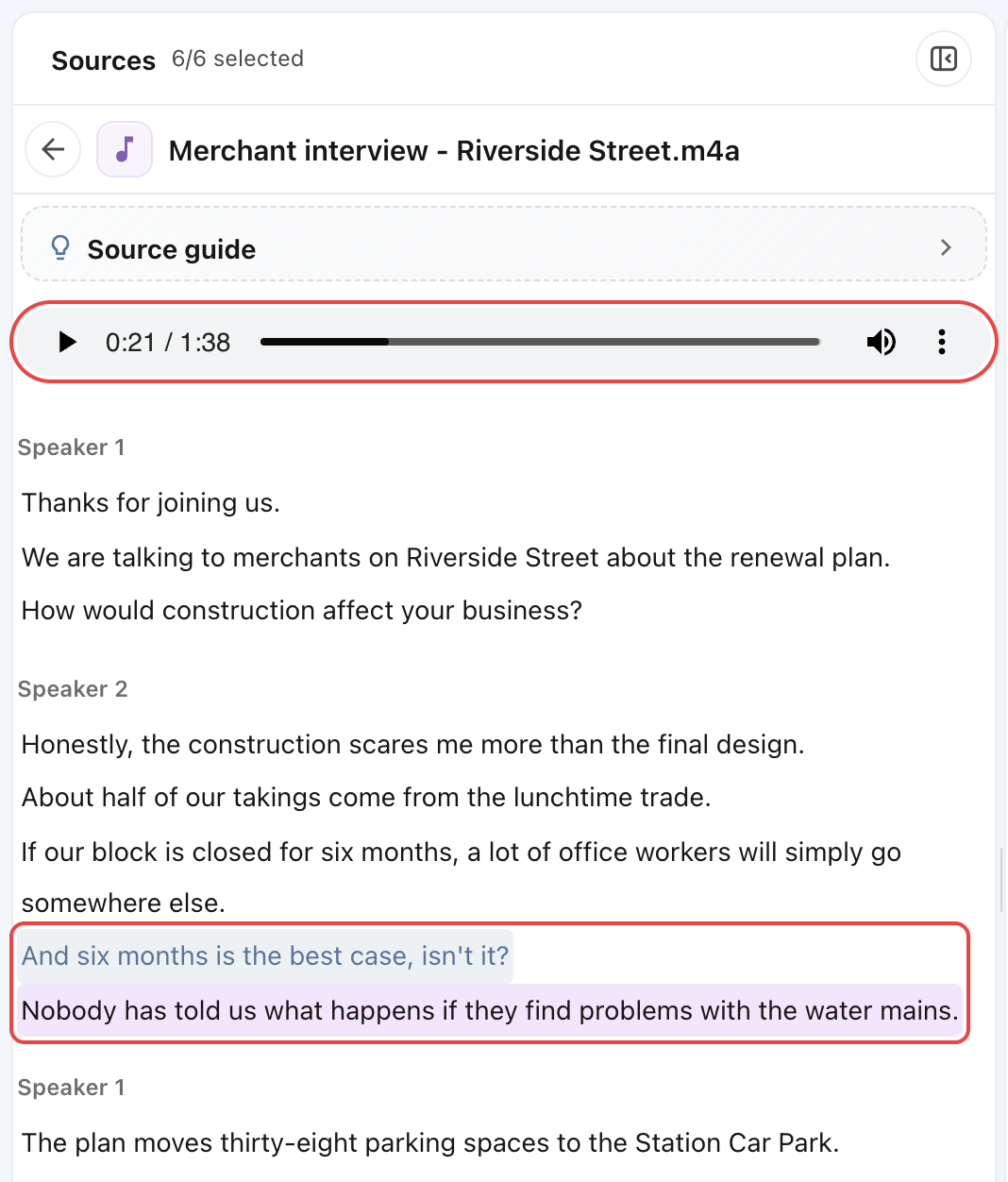
Click transcript text to seek to the corresponding audio passage.
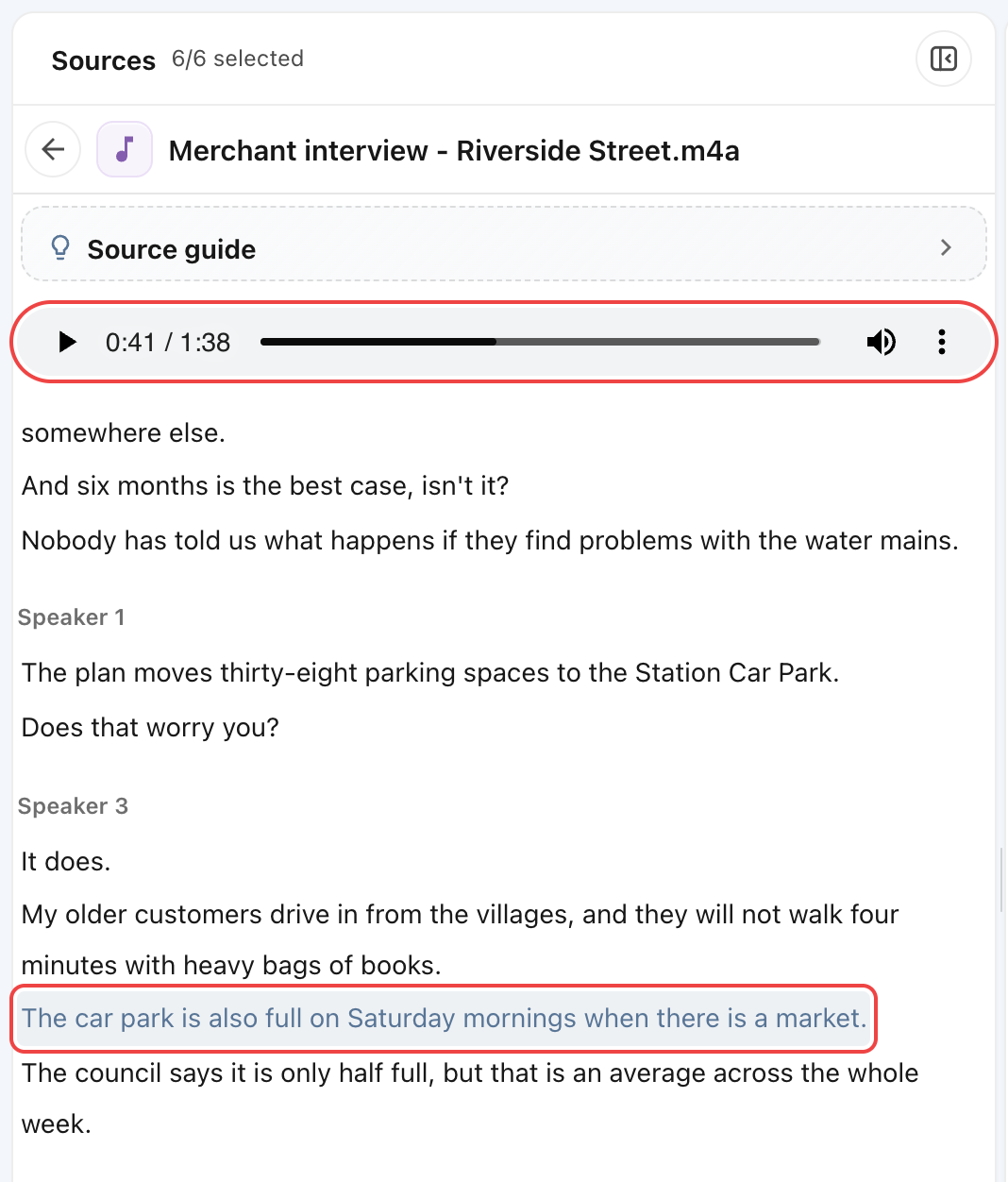
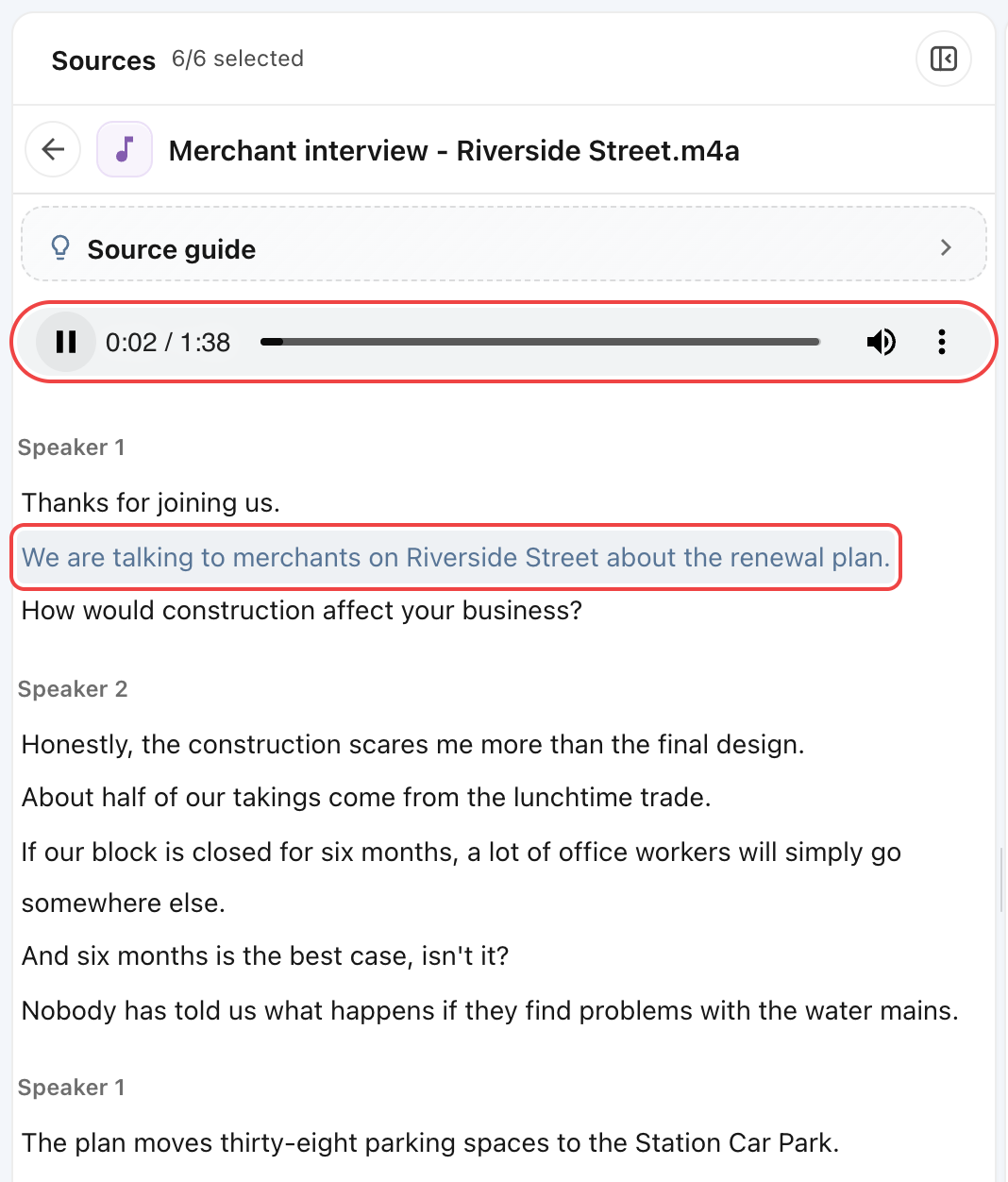
Press Play to listen to the recording; the sentence being played is highlighted. Drag the progress bar to review the surrounding context.
Other formats
DOCX, TXT, and EPUB citations locate passages in the parsed text. Images can be viewed in their original form.
For formats without previews, open the file locally to check its contents.